Download CharmdAvailable on iOS & Android
Profile Review

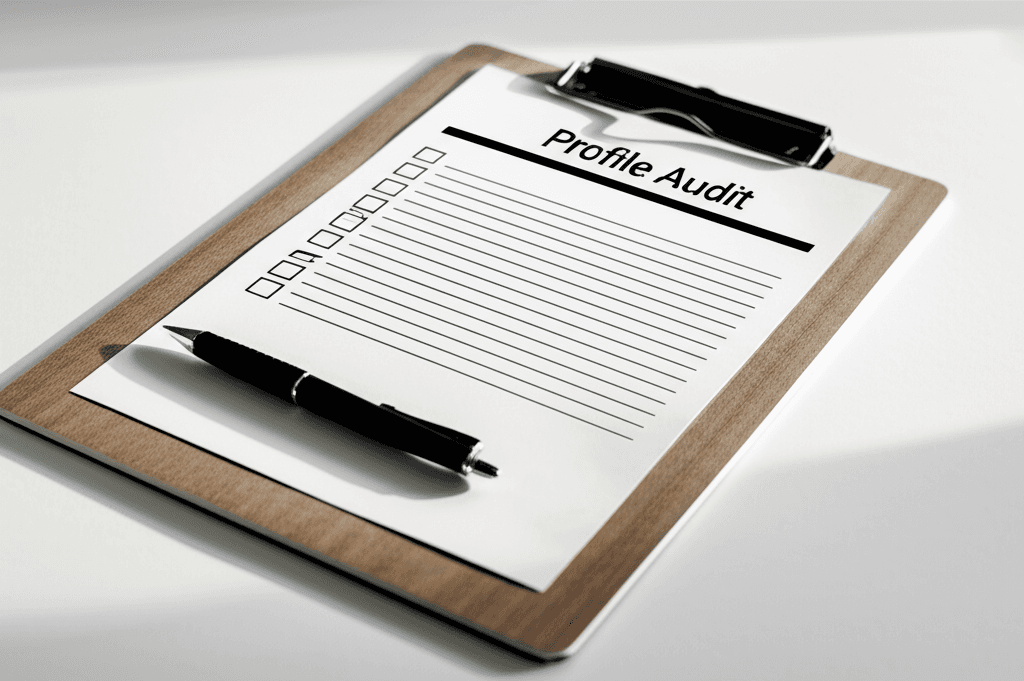
Dating profile review checklist before you keep swiping

A practical checklist for reviewing your dating profile before you spend more time on boosts, swipes, or new apps.

Profile Optimization/8 min read

Written by · Published · Updated

How we review dating advice
Dating profile review checklist for photos, prompts, and bio

Most dating profiles do not need tiny tweaks first. They need a clear review of what someone sees in the first five seconds.

Use this checklist when your matches dropped, your likes are low, or your profile feels stale but you do not know what to change first.

Key takeaways

Fix the first photo before rewriting every prompt.

Check whether each photo adds new information.

Remove anything that creates doubt, confusion, or mismatch.

Use the review to decide what new photos to create next.

Step 1

Start with the first photo

Your first photo is the profile filter. If it is unclear, dark, far away, old, or hidden behind sunglasses, many people will never read the rest.

The best first photo shows your face clearly, has natural lighting, and feels approachable. It should be easy to understand even as a small app thumbnail.

Face visible without sunglasses or heavy shadows

Recent enough to match how you look now

No group confusion

No mirror selfie as the lead image

Step 2

Review the full photo lineup

Each photo should add something new. If six photos show the same angle, same room, or same expression, the profile feels thin even if one image is decent.

A strong lineup usually includes a clear lead photo, lifestyle image, outfit or full-body photo, social-feeling image, and one conversation starter.

Step 3

Check the bio and prompts for specifics

Generic lines make the profile harder to respond to. Replace broad claims with specific details someone can ask about.

A profile that says you like food, travel, and music sounds like everyone else. A profile that names a favorite taco spot, recent trip, or weekend habit gives people an opener.

Step 4

Remove trust breakers

People swipe left when they feel uncertainty. Old photos, heavy filters, inconsistent facial hair, hidden eyes, and vague prompts all create friction.

The goal is not perfection. The goal is making the profile feel current, honest, and easy to believe.

Step 5

Turn the review into a fix list

After the review, write down the top three constraints. Usually it is first photo quality, lack of variety, weak prompts, or photos that do not match the person you are now.

That list tells you whether to reorder existing photos, take new phone photos, use an AI dating photo workflow, or rewrite the profile text.

Fast Profile Review Scorecard

First photo

Clear face, current look, natural lighting

Replace if it causes any confusion.

Photo variety

Different settings, outfits, and distances

Remove repeated photos.

Prompts

Specific enough to start a message

Swap vague answers for concrete details.

Trust

Consistent appearance across the whole profile

Remove old or over-edited images.

Make the profile easier to say yes to

Charmd helps you improve the photos and profile signals that shape the first impression on Tinder, Hinge, and Bumble.

Frequently Asked Questions

How do I review my dating profile objectively?

Start with the first photo, then check photo variety, prompt specificity, and trust signals. Judge the profile as if someone saw it for only a few seconds.

What is the biggest dating profile mistake?

The biggest mistake is usually a weak first photo. If the first photo fails, most people will not reach the bio or later photos.

Should I review my profile before using boosts?

Yes. Fix the profile first so paid exposure sends people to a stronger first impression.